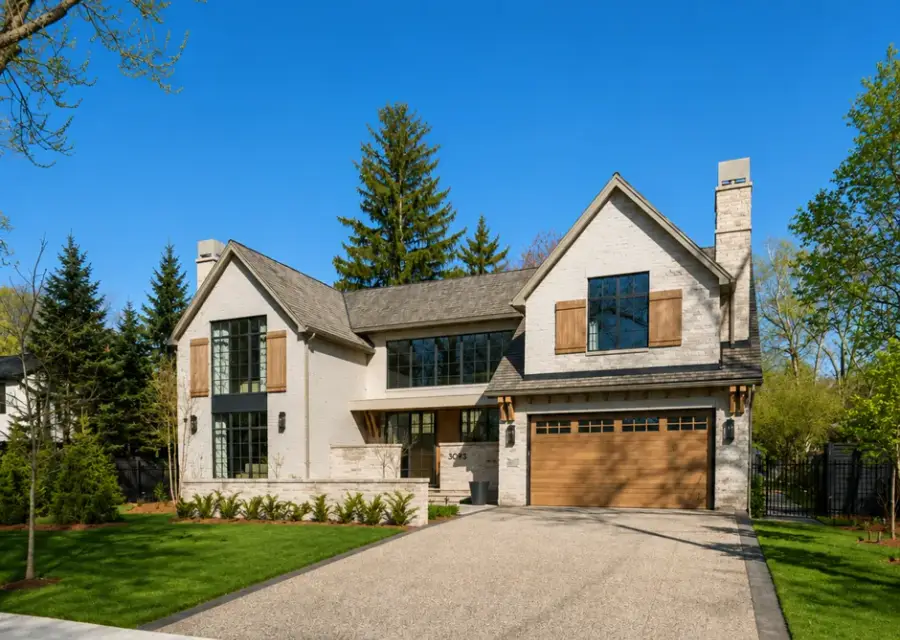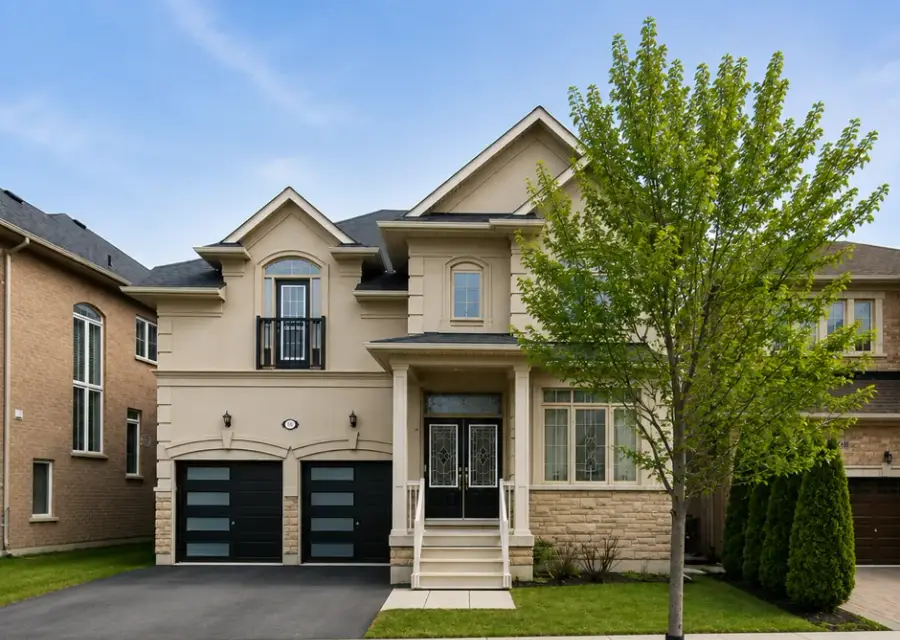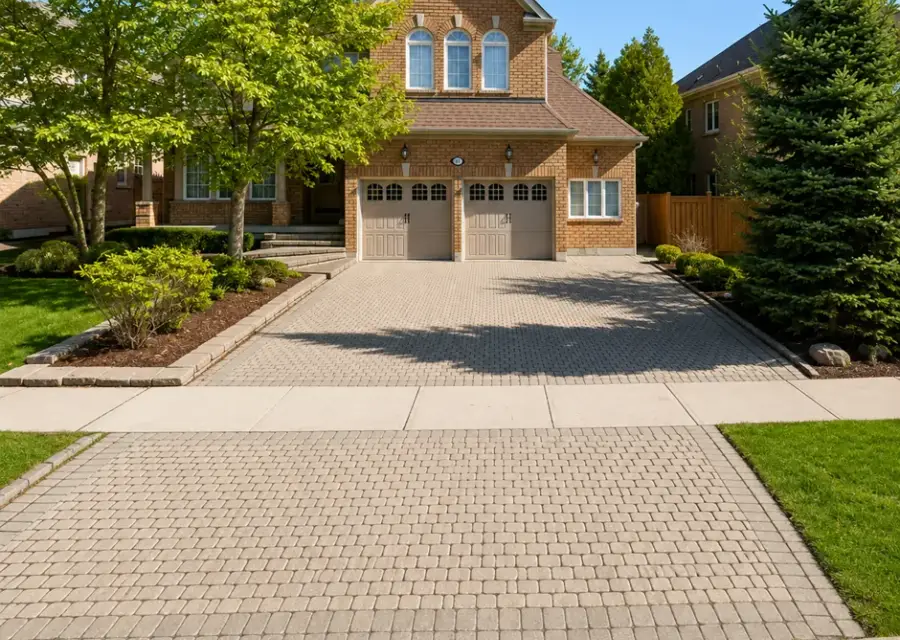
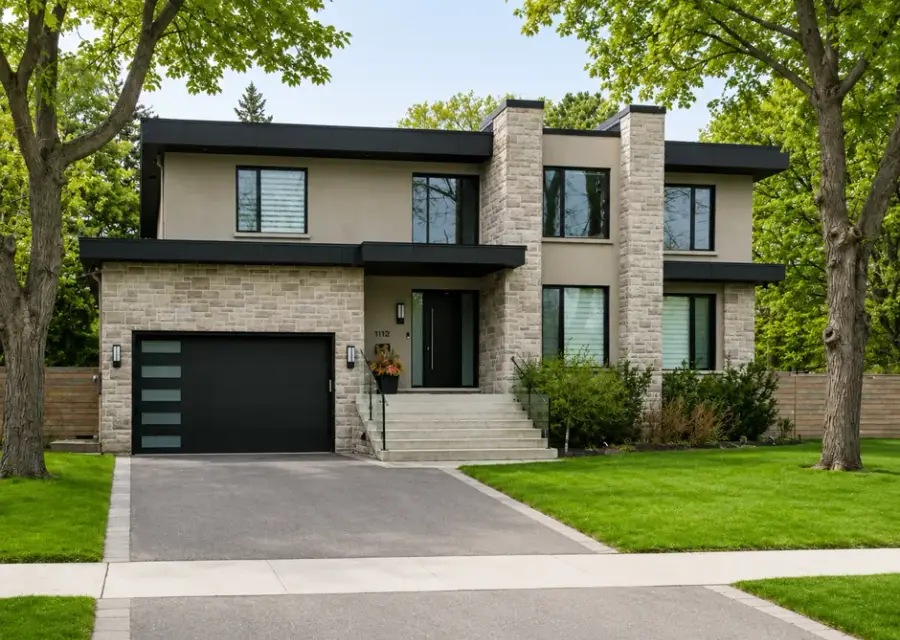
 Just listed
$1,295,000
214 Lakeshore Rd W
Oakville, ON
4 bd · 3 ba · 2,640 sq ft
After a visitor has looked at a few homes, MOD Exclusive asks them to create a free account to keep browsing. Saving a home asks them too. Sign-up takes two short steps, email then phone, and every action after that is tied to their name.
Illustrated with demo data.
The prompt appears after a few homes, once a visitor is clearly interested, with a cooldown if they dismiss it.
Email first, then phone. Less friction, more completed sign-ups.
Buyers get saved homes, search preferences and listing alerts in return.
After a visitor has viewed a few homes or interacted with the map a few times. You can adjust the threshold.
Their views, saves, shares and inquiries are tracked on their lead timeline and sync to your CRM.
Book a demo. We'll walk you through the search site, the agent dashboard and what your brand would look like on it.
$399/month plus $1,000 setup · Cancel anytime